PCB Design and Layout
Turn your idea into a ready-to-manufacture Printed Circuit Board (PCB) prototype in just one day with this hands-on course. Using the open-source KiCad software suite for Electronic Design Automation (EDA), you’ll learn how to create circuit schematics, design a 2-layer PCB, and generate Gerber and IPC-2581 outputs. By the end of the course, you’ll be able to capture a circuit schematic, design and route a circuit board layout, and understand ‘some’ key principles of good PCB design including an organized Bill of Materials (BoM). You’ll also explore custom part symbols, footprints, and fabrication resources, along with turn-key board manufacturers. While a basic understanding of circuit theory and electrical fundamentals is helpful, it’s not required to get started.
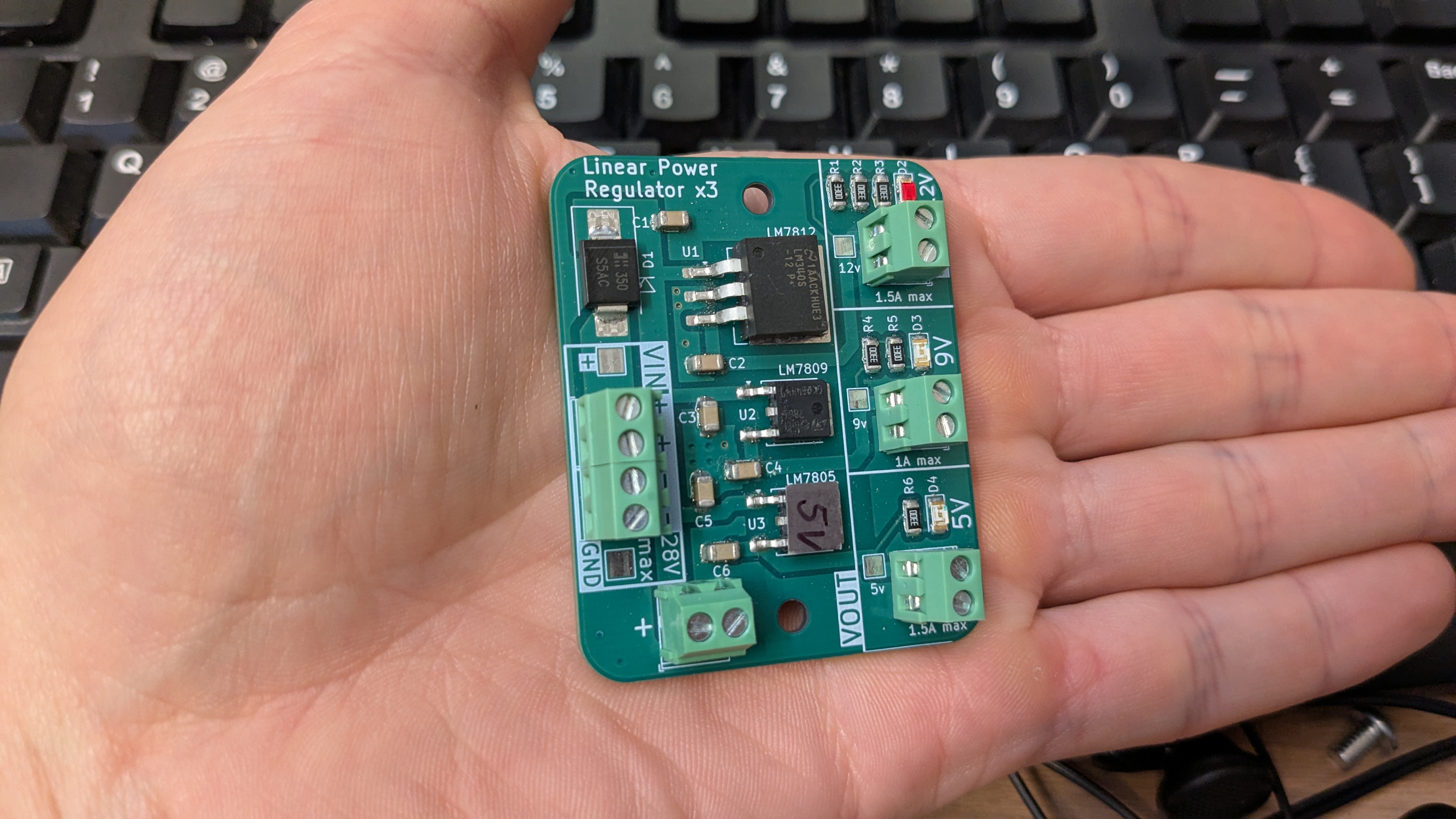
⭐Learning Goal: Quick start to design, layout, and order your own Printed Circuit Board with KiCAD.
What is possible?
Start your prototypes on a PCB, or put your wiring project directly onto a PCB! Skip the confusion of breadboarding and the mess of point-to-point wiring. Learn EDA concepts to design and lay out a 2-layer printed circuit board.
The class lecture will cover the complete process of creating a schematic for three linear voltage regulators, from start to finish. Schematic topics will include net naming, bill of materials (BOM) generation, part numbers, power and ground symbols, and electrical rule checks (ERC).
The class will also cover the design of a two-layer PCB, focusing on component placement and orientation, trace widths, board design rules and constraints, mounting holes, copper fills, vias, and design rule checks (DRC). The process will conclude with preparing a turnkey PCB order for fabrication.
📐 Class Project
Linear regulator x3 (project link)
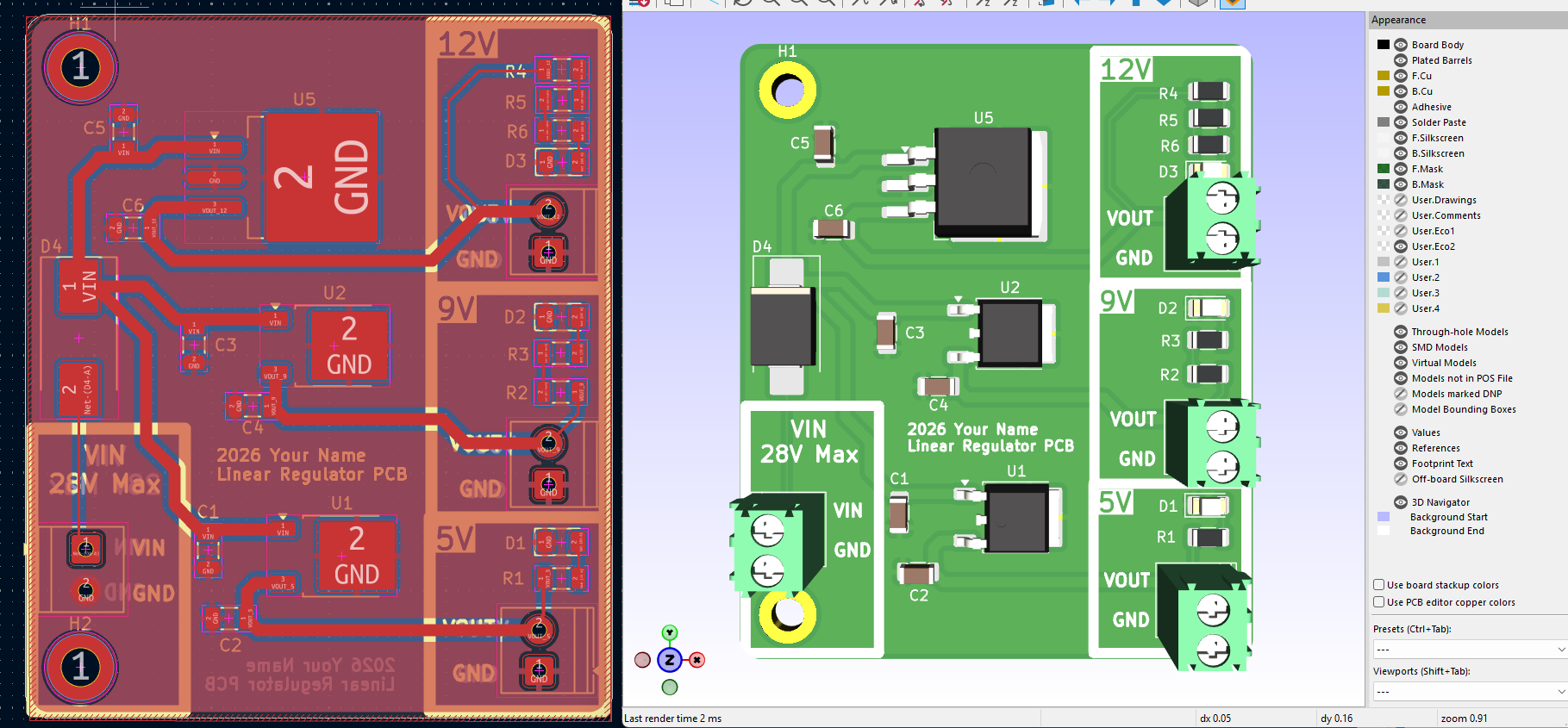
💻 Software
KiCAD https://www.kicad.org/
📐Practice Examples (Project Links)
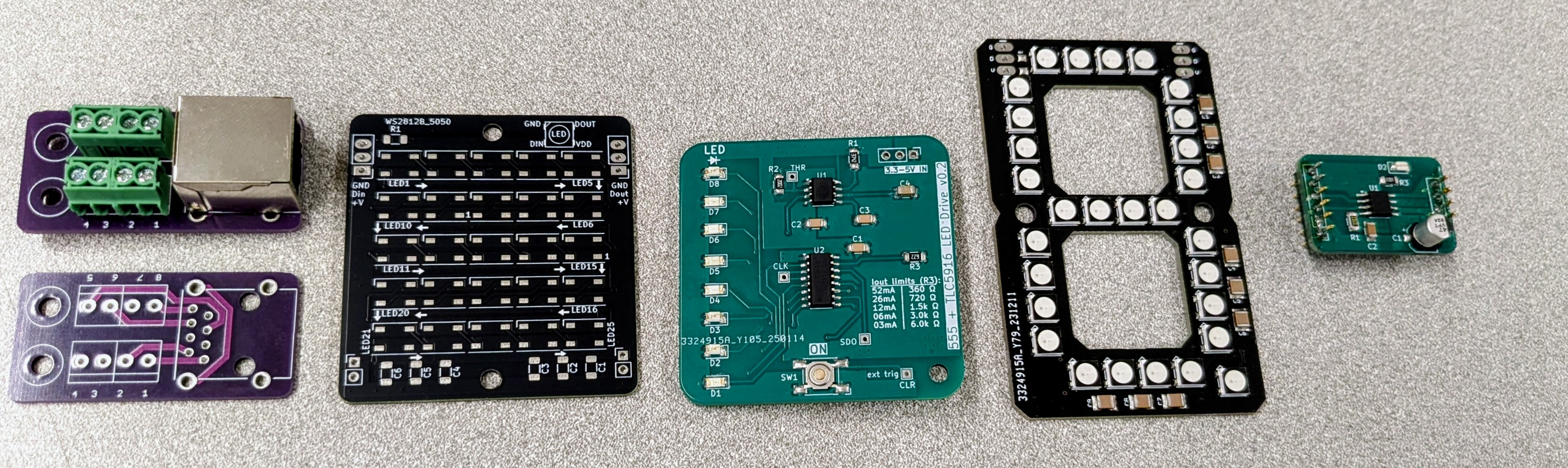 For continued learning, use the examples above as references. While these projects are fully completed, modified copies with approximately 20% of the work left unfinished are available for homework assignments or knowledge assessments. These versions help reinforce an understanding of the core concepts through hands-on practice. This link contains projects 1-4 as partially incomplete examples with a “to-do” list embedded in each design document. The layout scope expands with each near-complete project.
📃 Useful docs
🔗 Helpful links, expanded learning
KiCAD learning https://docs.kicad.org/
Electronics Suppliers (Parts!):
Pro Suppliers (Distributors): Digikey, Mouser, Arrow, Newark ,
Hobby Suppliers Adafruit, Sparkfun, Pololu